
文章内容
- Gemini使用展示
- 解决Gemini地区限制的方法
一.Gemini使用展示


提示词:Prompt : photo into a character figure. Behind it, place a box with the character’s image printed on it .Next to it, add a computer with its screen showing the Blender modeling process. In front of the box, add a round plastic base for the figure and have it stand on it. The PVC material of the base should have a crystal-clear, translucent texture, and set the entire scene indoors.
提示词:将照片转化为一个人物形象。在其背后放置一个盒子,盒子上印有该人物的图像。在其旁边添加一台电脑,电脑屏幕上显示Blender建模过程。在盒子前方,添加一个圆形塑料底座,让人物形象站立其上。底座的PVC材料应具有水晶般清晰、半透明的质感,并将整个场景设定在室内。
二.解决地区限制的方法
首先要下载一个加速器sixfast
①下载教程

扫码下载或者官网下载都行

②Sixfast免费使用时长兑换使用流程:
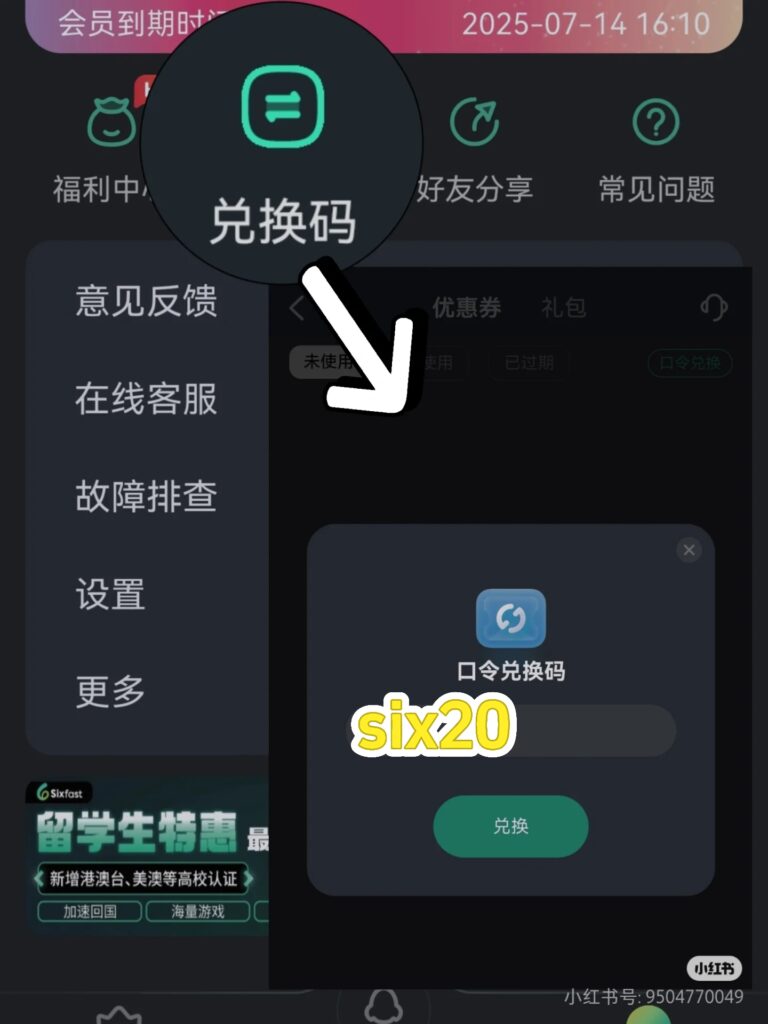
在界面右下角找到【我的】–【兑换码】-输入【six20】-即可领取免费时长!
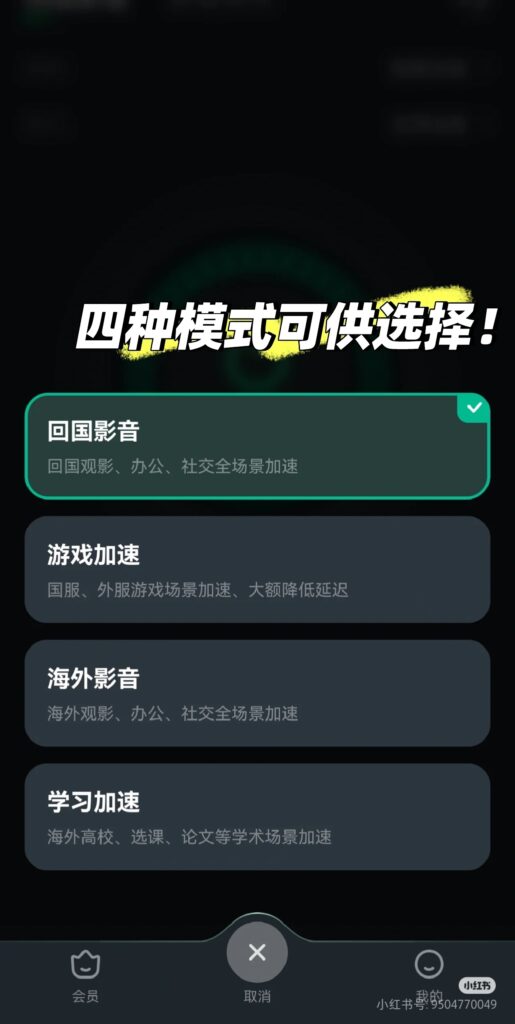
兑换完之后,下方切换模式,找到【海外影音模式】,选择节点,点击加速。
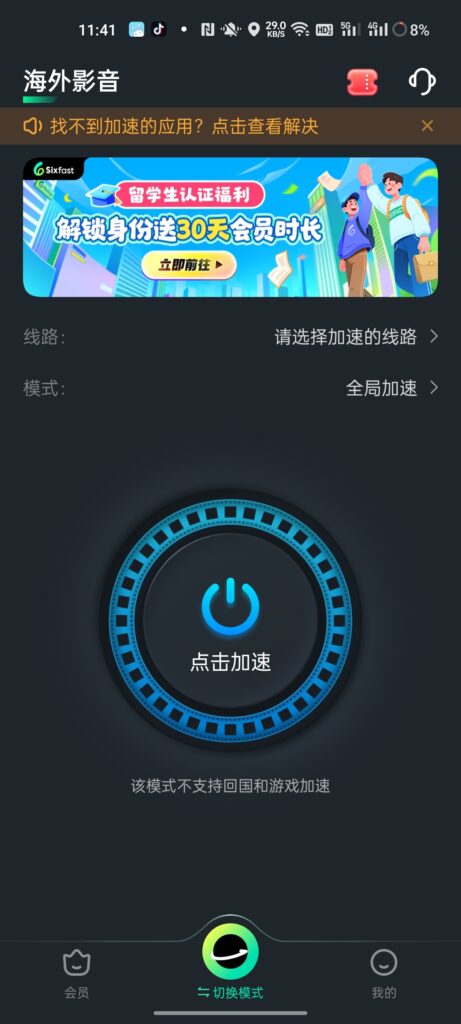
加速完之后,按步骤来

上传图片
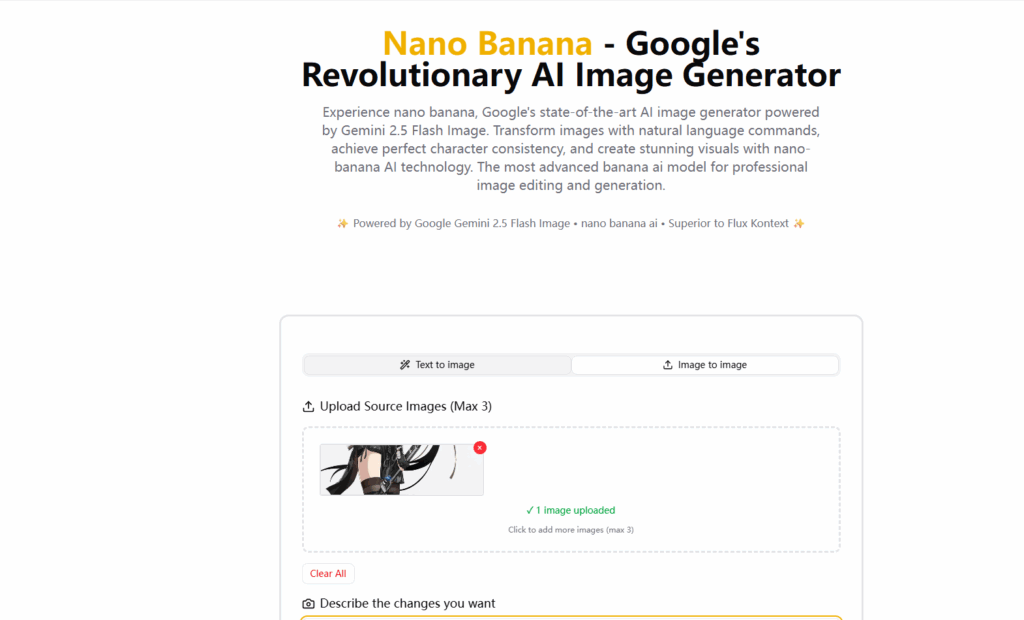
输入指令

点击生成
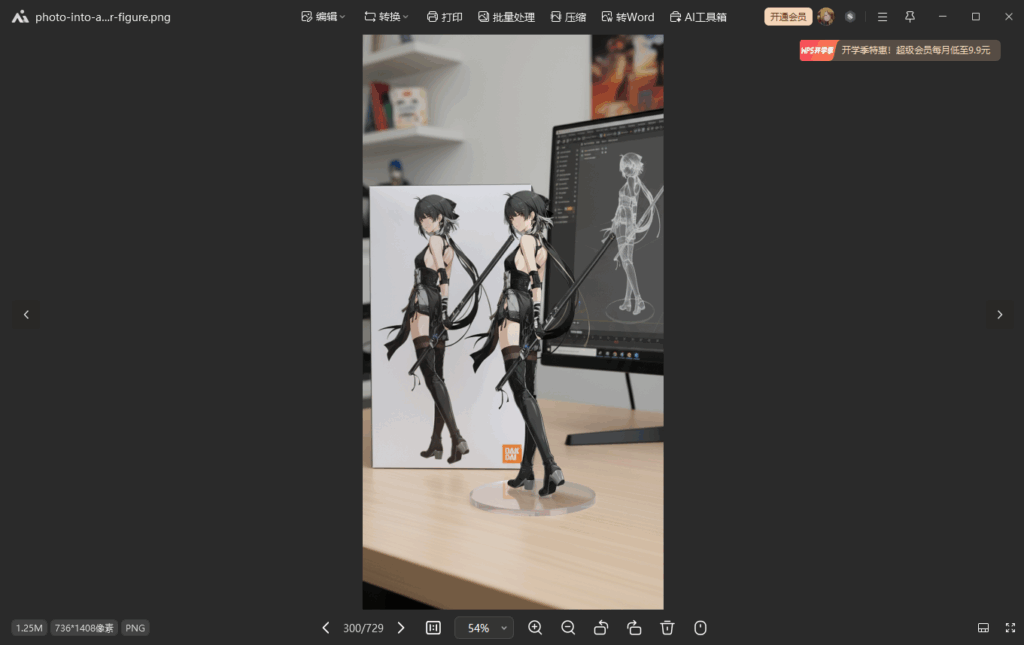
需要注意的是,每个月免费的只有五点积分,每张图片两点,大家都可以试试。